
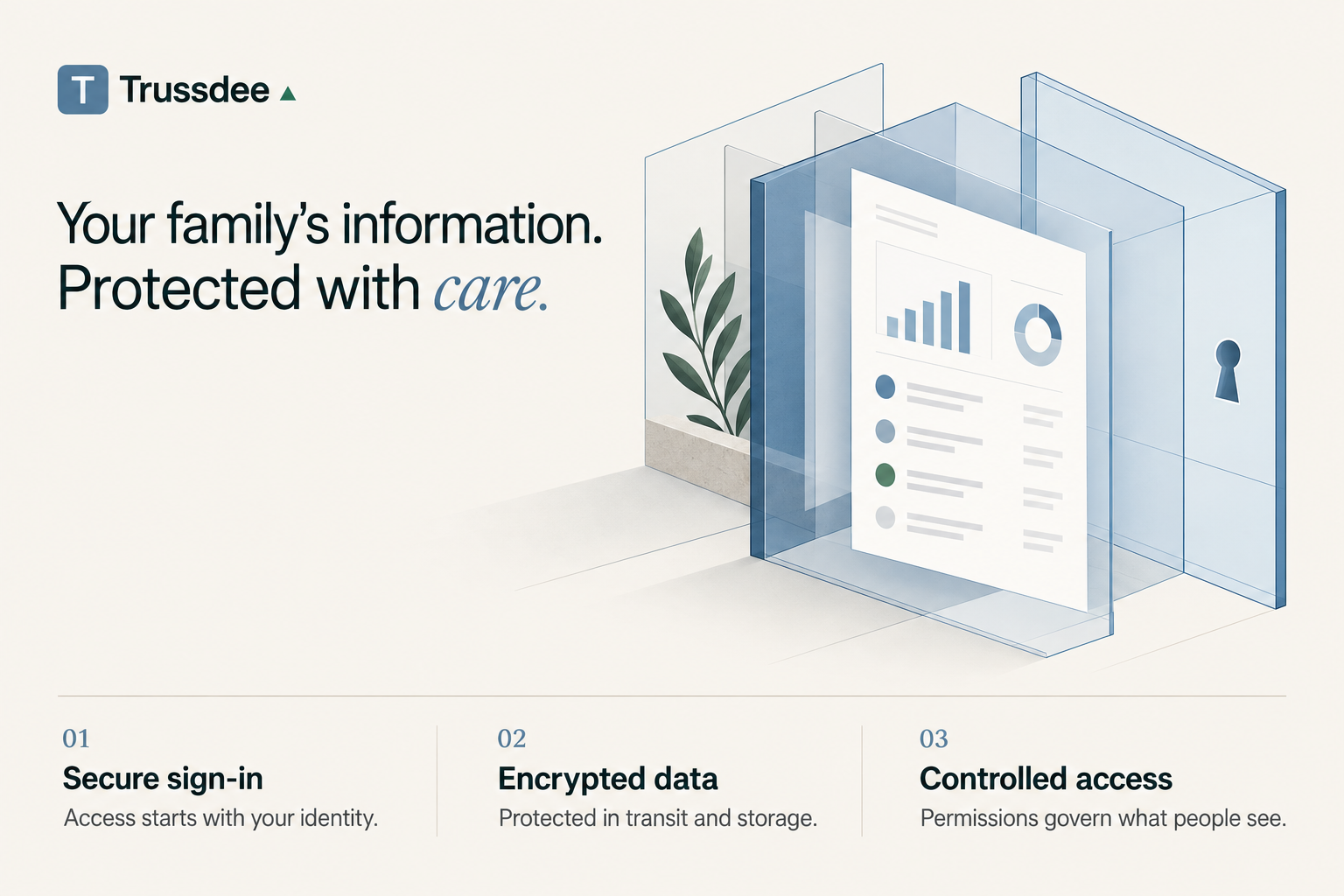
Trussdee protects family information through secure sign-in, encrypted data, and controlled access.
We care about data protection as much as you because we built Trussdee for our family office. Our family data flows through the same processes and systems yours does.
The essentials
Your financial institution passwords are not shared with Trussdee. Financial institution sign-in is handled by your institution or the provider connecting your account.
Connecting an account for reporting does not authorize money movement. Trussdee uses account information to build your financial picture. We cannot push information to your financial institution or make changes.
We never receive full account numbers. We only receive a masked account number with the last several digits to distinguish multiple accounts at the same institution.
Your records are protected by encryption. This protects information while it travels over the internet and while it is stored.
Access depends on permission. Signing in does not give a user access to every family, account, or document.
What happens when I connect a bank account?
You start the connection in Trussdee. Quiltt, our account connection provider, guides you through connecting your financial institution using a supported network such as Plaid, Finicity (owned by Mastercard), or MX.
Depending on your financial institution, you may sign in on the their own website or in the connection provider's sign-in flow. Trussdee does not receive your username or password. Some institutions use a digital access key, called a token, so the connection can continue without repeatedly sharing a password. The exact method depends on your institution and what they choose to secure the connection.
Once you authorize the connection, account information can flow into Trussdee: balances, transactions, and, where available, investment holdings and other details used in your reports.
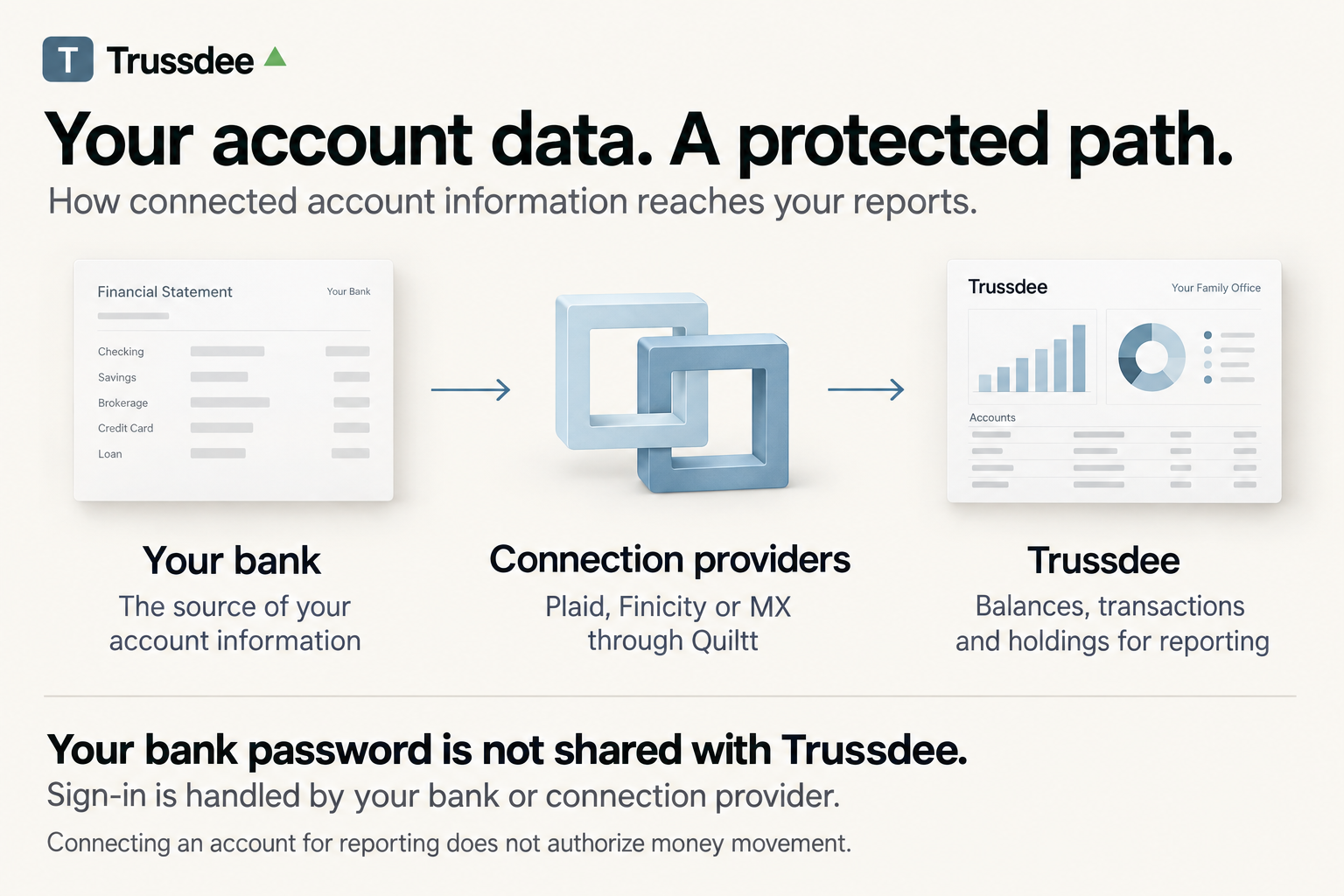
Your money stays at your financial institution. These reporting connections do not let Trussdee send payments, withdraw money, or place trades in the connected account.
Who can see my family's information?
Trussdee checks both who you are and what you are allowed to access.
Each family has its own workspace. The application checks the family and account permissions behind a request before returning protected information to a user. An invitation to one family's workspace does not grant access to another family's records.
Within your family, administrators and managers have broader responsibilities than members. What a person can see depends on their role and the access granted to them.
Uploaded documents are stored privately for individual users, with access checks for viewing and downloading them. When uploading documents you can choose who sees them. You can make the document available to all family members or named individuals.
What does “encrypted” mean?
Encryption turns readable information into a scrambled form that requires the correct digital key to read.
Trussdee uses encryption in two places:
While information travels: encrypted connections protect data moving between your browser, Trussdee, and connected services. The technical name is encryption in transit.
While information is stored: our database and document storage providers encrypt saved records. This is called encryption at rest. You can read about these protections from Neon, our database provider, and Vercel, our document storage provider.
For certain account connections, such as crypto, Trussdee stores a digital access key that allows it to retrieve your financial information. We encrypt these keys before saving them, adding protection beyond the encryption already applied to our database. When you setup these keys on your crypto exchange you control the access level and should leave them read-only. That means we can only see data and not change anything in your account. We have help guides on this portal to walk you through making read-only keys for crypto.
Encryption works alongside sign-in and permission checks. Together, these controls protect how information is stored, delivered, and accessed.
How do you check and maintain security?
Security work never stops because the product is always changing and growing.
Automated development checks look for known software vulnerabilities, exposed secrets, and mistakes that could allow access across family boundaries. Our operating procedures require all code to go through these automated checks before it is live.
Security-sensitive administrative activity, document access, and important data changes in our database are recorded to help investigate what happened and who was involved. Those actions are auditable.
Continuous operational monitoring tracks system health and connection failures. We also maintain documented procedures for investigating incidents and recovering data after a disruption.
These protections reduce risk and match many best practices used by modern web applications.
Has Trussdee completed a SOC 2 audit?
Trussdee has not yet completed a SOC 2 Type 2 examination.
SOC 2 is an independent examination by an accounting firm of a service provider's internal controls to protect data and audit access. A Type 2 report also evaluates how those controls operated over a defined period.
We’ve developed our security program with the intent to pass an independent examination, with documented responsibilities, controls, and evidence requirements. You have to operate with your controls in place for months to sometimes over a year before you can be audited by a firm.
Our connection provider, Quiltt, reports that it has completed two consecutive SOC 2 Type 2 audits. You can read Quiltt's audit announcement. Those audits cover Quiltt; they do not mean Trussdee has completed its own examination.
What can my family do?
Use a separate login for each person, keep sign-in codes private, and review access when someone's responsibilities change. Your family administrator or manager can help adjust access to the workspace and its records.
If you want to stop a bank connection, export information, or request deletion, those action are available to your family admin or you, depending on the request, in the app. However, you can also contact us at [email protected] for help. We can help identify the appropriate steps for your account. Stopping a connection prevents future updates; it does not automatically erase information already used in your reports.
For closure or deletion requests, we review who is authorized to make the request and which records may need to be retained. We will explain the applicable process rather than promise that every copy disappears immediately.
Still have questions?
Contact us through [email protected] if you would like more detail, have a security questionnaire, or suspect someone has accessed your account without permission. You do not need to know the technical terms to ask.